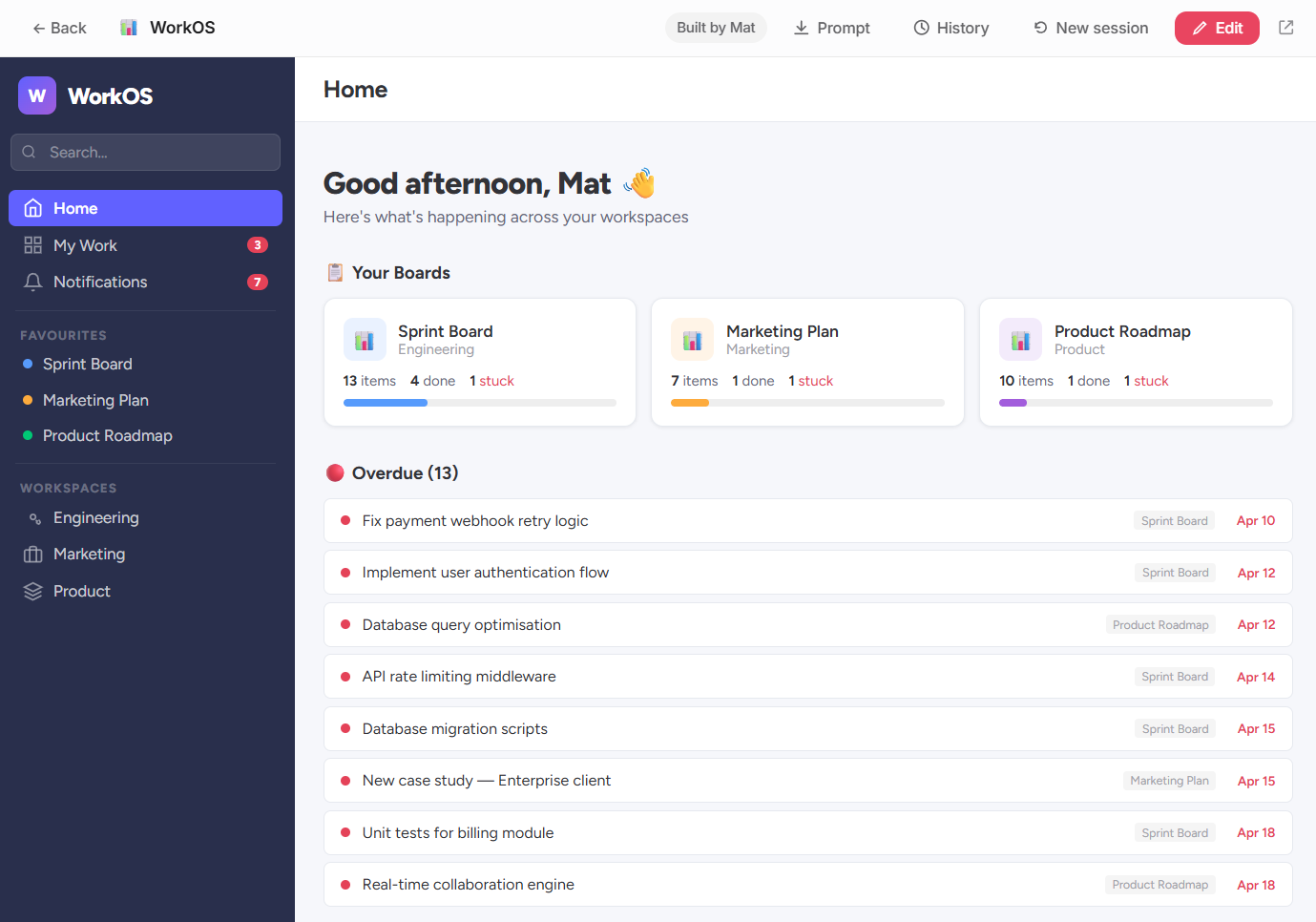
Build tools with any AI, share them in seconds, collaborate in real time. Plus a marketplace, prompt library, and version history — all in your team's branded toolbox.
Your Portal
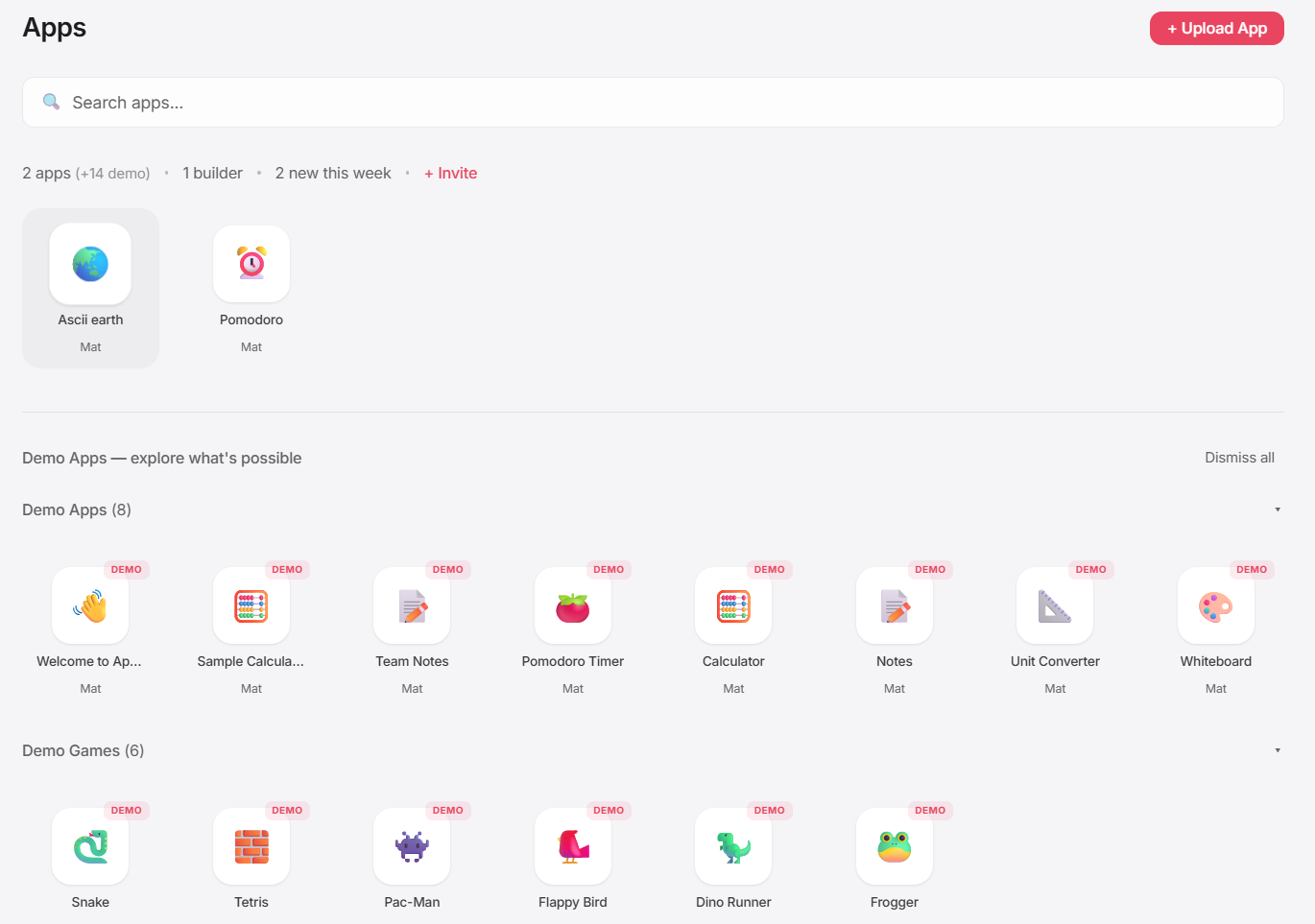
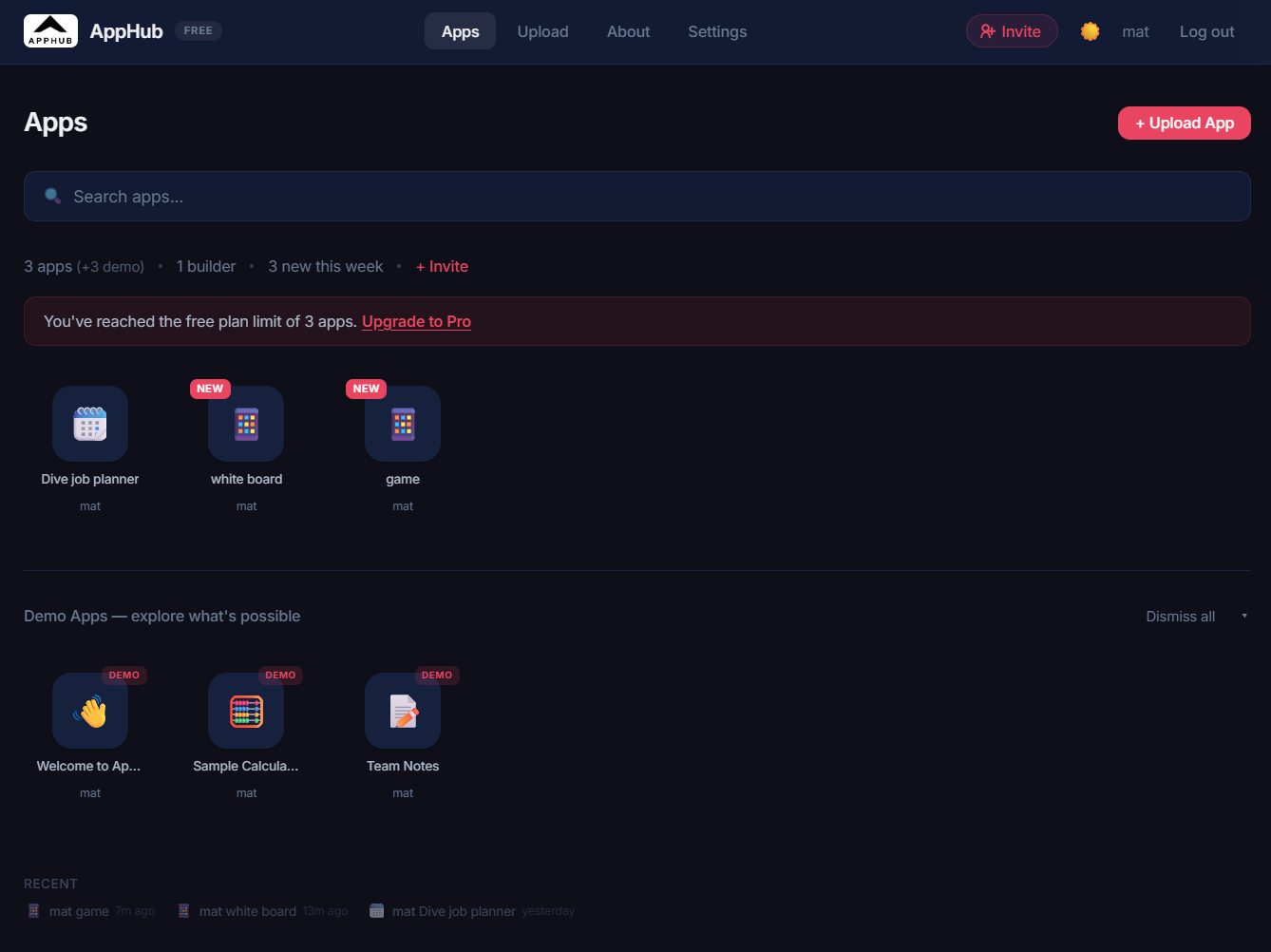
Your company's own applet store. Clean grid layout, collapsible sections, folders, search — everything organized and instantly accessible.
Upload Flow
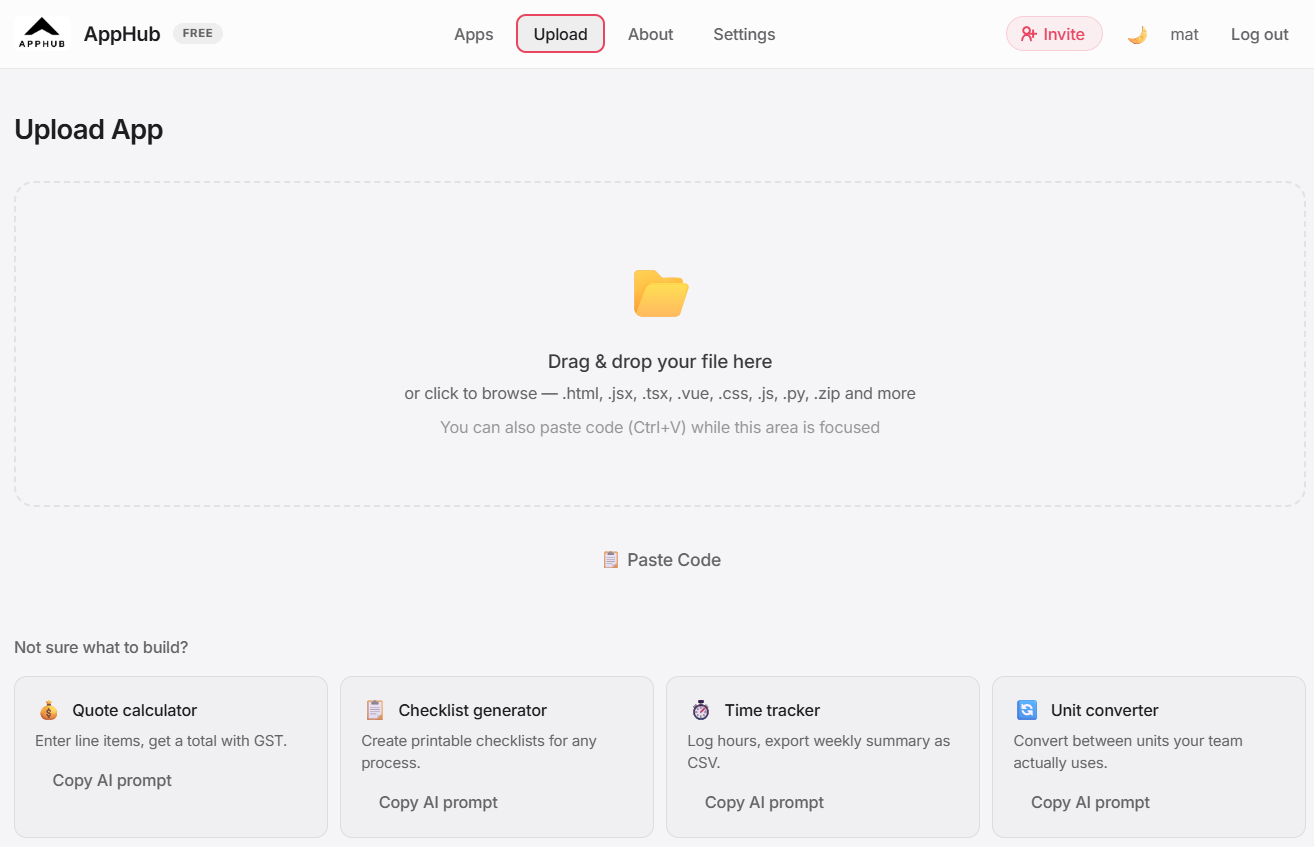
Upload an HTML file or paste code directly. AI converts JSX, TSX, Vue, Svelte, Python, JSON, Markdown, and ZIP archives automatically.
Applet Viewer
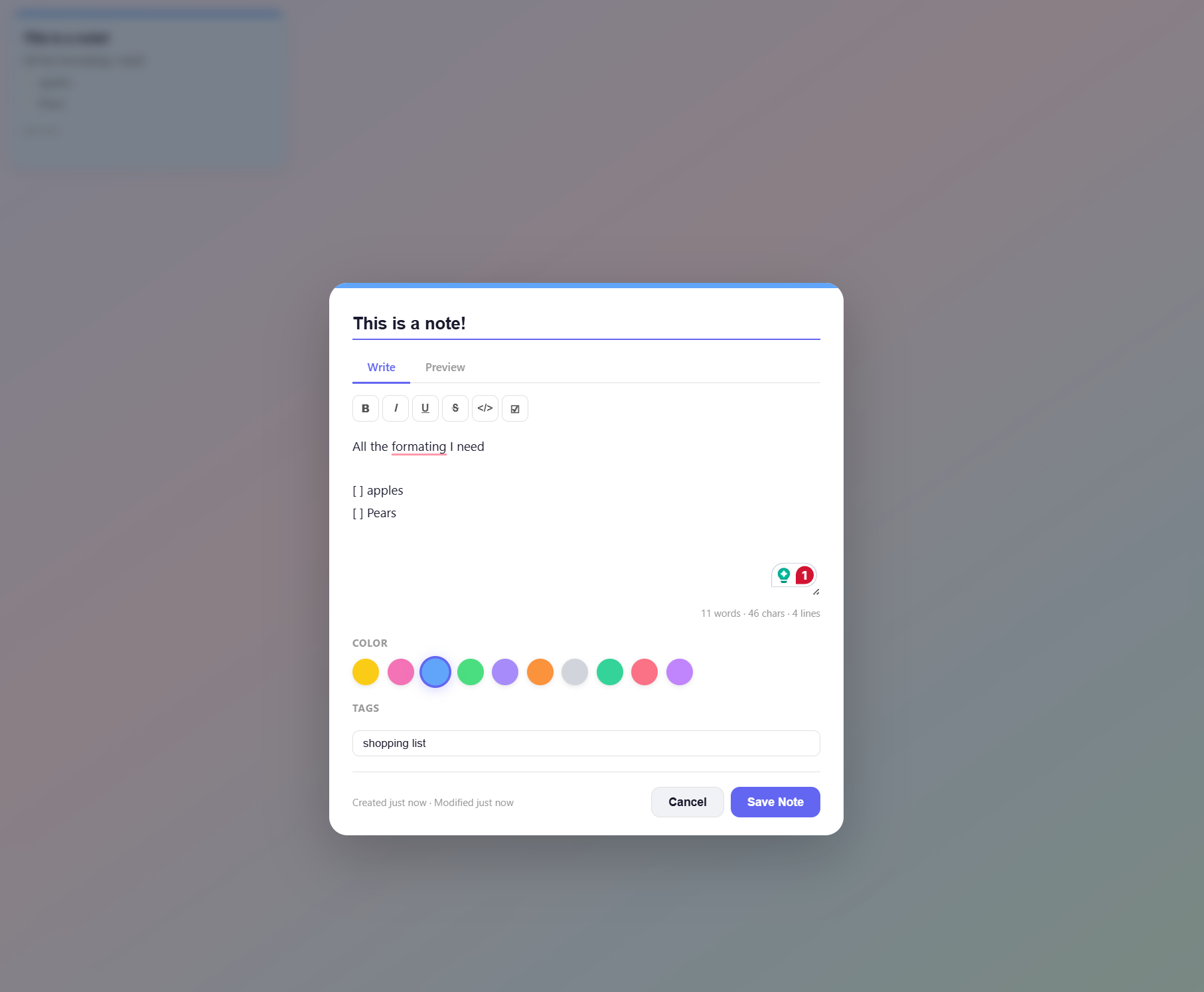
Every applet runs in a secure sandboxed viewer with real-time collaboration built in. Click an icon, the tool opens — and your whole team can use it together.
What's new
Four major capabilities that turn a simple tool portal into a collaborative platform.
Work together in the same applet at the same time. Live data sync, presence indicators showing who's online, and @-mentions with instant notifications keep everyone in the loop.
Browse ready-made prompts to build better applets — or create your own. Categories, search, one-click copy, and use tracking help your team share the best AI techniques.
Discover public applets built by the community. Preview any listing, install a private copy into your toolbox in one click, or publish your own creations for others to use.
Every edit creates a new version with a full audit trail. Browse the lineage tree, see who changed what, and track how your applets evolve over time.
The problem
Sarah built a quote calculator in Claude. It's great. Saves her 20 minutes every time. It lives on her laptop. Nobody else can use it.
You asked IT to deploy it. The ticket is three weeks old. Sarah's already moved on. The tool sits in her Downloads folder.
Meanwhile, the sales team still uses a spreadsheet from 2019. It has 47 tabs, three broken formulas, and nobody remembers who built it.
How it works
No terminal. No git. No deployment pipeline. No waiting for IT.
Claude, ChatGPT, Lovable — whatever you like. Ask it to make a tool. You get an HTML file.
Open your team's dashboard. Drag the file in. Give it a name and an icon.
Your tool shows up instantly, right next to everyone else's tools.
Click the icon, the tool opens. No accounts, no installs, no training.
Features
No feature bloat. Just what a small team actually needs.
Password-protected toolbox. Every applet runs in a sandboxed iframe with strict security headers.
Your company logo, your colours, your name on the login page. It looks like yours because it is.
See what your teammates have built. An activity feed shows who uploaded what.
Applets arranged in a familiar grid with icons. Everyone already knows how to use it.
Drop an HTML file and it works. Drop JSX, a zip, or raw LLM output? Pro converts it automatically.
Invite team members via email. Manage access, transfer admin. You decide who's in.
Group applets into collapsible sections and folders. Keep your dashboard organized as your toolbox grows.
Every upload is automatically scanned for risky patterns and auto-fixed before it reaches your team.
One account, multiple toolboxes. Switch between your work team and personal tools in a single click.
Powered by WebIntel
Every published applet gets a live screenshot — used for social share cards on LinkedIn, Slack and Twitter, the hero image on its public page, and the dimmed background of its toolbox tile. No upload, no config, it just appears.
We use WebIntel — a screenshot and link-preview API built for developers and AI agents. Same API you can drop into your own product.
x-api-key header
↑ That’s a live WebIntel screenshot of a published applet. No config, no upload — just the URL.
Why it matters
Something happens after the third person uploads their first applet.
When a team member sees someone else using a tool they built, they go from "I made a thing" to "I'm someone who builds things."
When their colleague thinks "I could do that for my workflow" — that's the flywheel. No training program required. Just a place where building is visible.
The portal is the surface. The culture shift is the product.
"The best tools are built by the people who feel the pain."
Pricing
No credit card required. No surprise invoices.
Get started
Free toolbox — up to 5 applets, up to 3 team members. No credit card required.
Free forever on the Free plan. Upgrade to Team ($12/mo), Creator ($29/mo), or Pro ($79/mo) anytime.